Start with the job
Choose the customer and enter site details and work notes. The form saves current details as you add photos and signatures.
Development preview · Field service reporting
Record the job, attach the photos and capture sign-off while the visit is still fresh. Keep the signed original and its report together for the office.
The demo uses fictional records and does not send external email.

01 Save the visit
02 Capture proof
03 Issue the report
From site to office
A draft stays editable. Once signed, the original is locked and its report freezes the details and files as they were issued.
Choose the customer and enter site details and work notes. The form saves current details as you add photos and signatures.
Select multiple photos, review them on the job, then capture engineer and customer signatures in a full-screen signing box.
Issue a branded PDF with every submitted photo. See the message preview or transport result separately from the saved job.
Inside the product
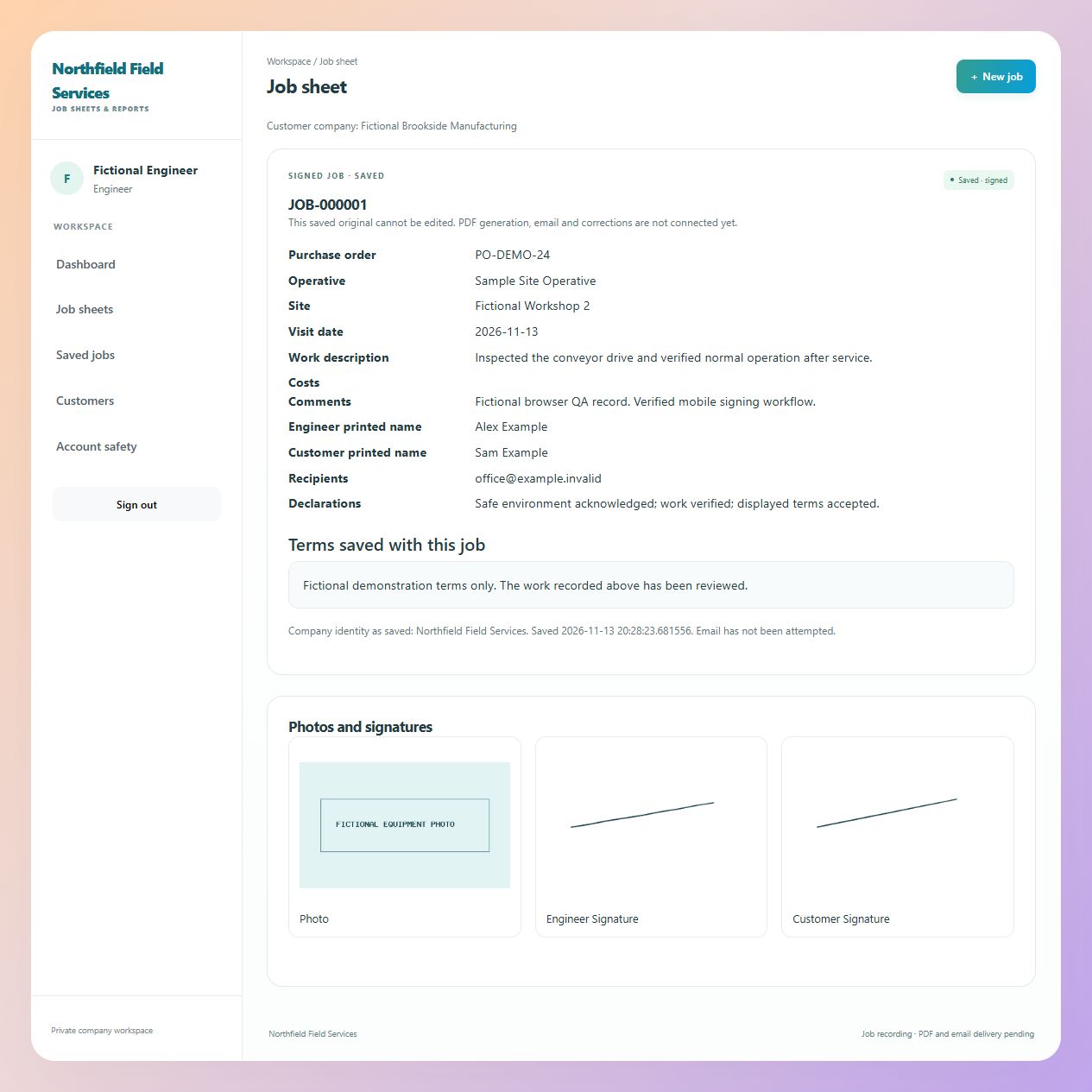
This is a real screenshot from a fictional development job. It shows the saved job record and its attached image and signatures. The capture controls have since changed, so this is a record of the earlier development view rather than a final-release screen.
A report you can stand behind
Saved job details, terms, signatures and photographs are held with the issued report. Later wording changes do not rewrite that history.
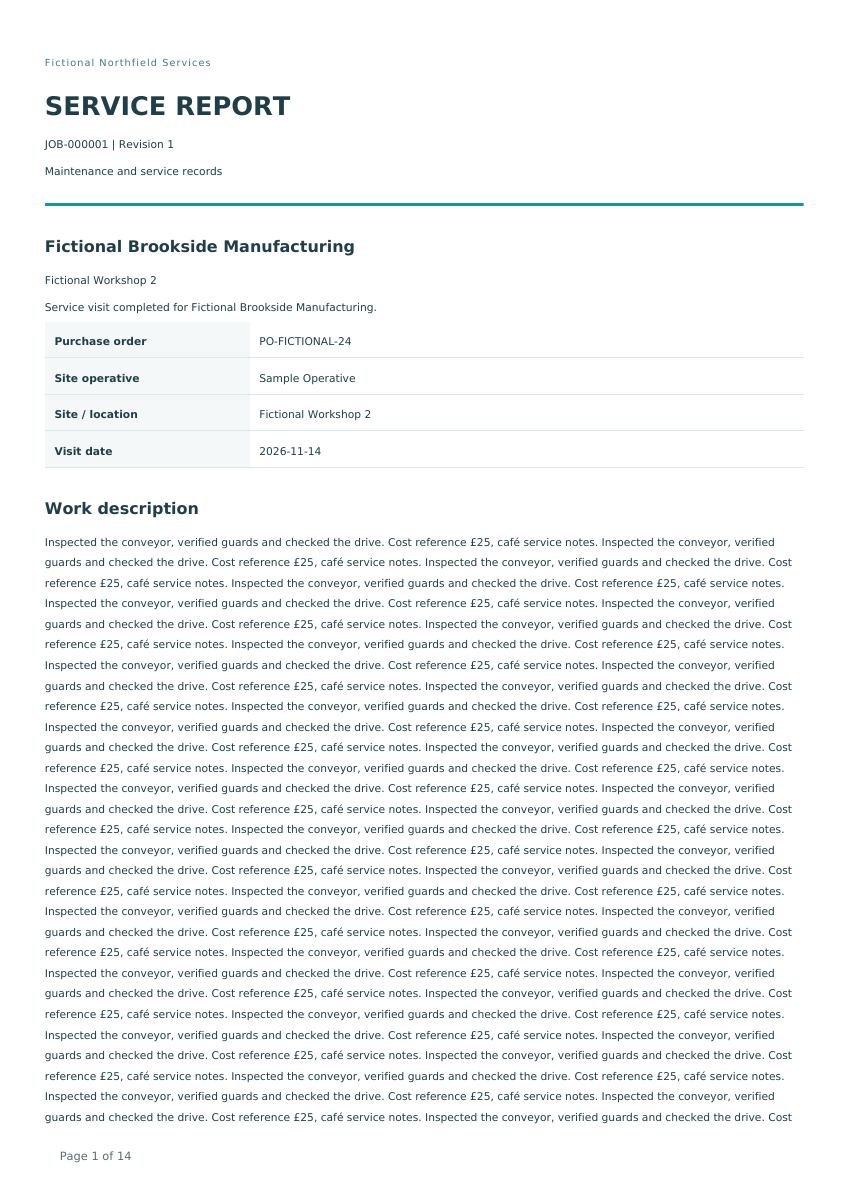
The image is a real report page generated from fictional development data. Its layout and wording may change before release.
Clear handovers
Engineers work on their own or assigned drafts. Owners manage the company workflow. Developers handle protected setup and licensing.
Complete the visit, attach photos and obtain sign-off.
Manage staff and correspondence, review reports and issue an unsigned correction when needed.
Configure company identity, protected mail settings and signed licence files.
Built from real work
The original job-reporting tool behind CFCS CRM began as a practical answer to my own paperwork. I have used it for more than two and a half years, saving hundreds of job reports along the way.
This CRM brings that working approach into a product for other field teams. It is still in development preview, with the latest capture, reporting and installation work being tested before release.
Indicative launch pricing
Each one-time licence includes the core job sheet, photo, signature and report features for one company installation on your own supported hosting.
Up to 5 active users
£1,495
Perpetual licence
Up to 10 active users
£2,495
Perpetual licence
No account cap · one installation
From £4,495
Perpetual licence
Standard setup: £299. One supported-host installation, supplied branding, standard email setup and a remote handover session. Historical migration and custom work are quoted separately.
Active users are enabled owners and engineers; disabled and developer accounts do not count. Prices are proposed, before any applicable VAT, and exclude hosting and third-party email charges. A perpetual purchase includes 12 months of updates; ongoing help and later updates are separate. Final terms will be confirmed before sale.
Built for familiar hosting
The preview package is designed for PHP and MariaDB hosting, including a website subdirectory. A browser installer and bundled PDF/mail code avoid customer-side build tools.
Host compatibility is still being verified. Check the final supported version and TLS matrix before a customer installation.
Next: real-world pilot
Use the fictional demo now. The next pilot will ask an engineer to complete a visit without coaching, then check the report and correct the awkward parts before release.
Final commercial terms, hosting support and the illustrated guide follow the remaining acceptance work.